
Can I swap/change my refills?Updated 9 months ago
To change the refills in your next order, head to your account login and sign into your portal with the email address you signed up with.
Once logged in, select the ‘edit products’ button: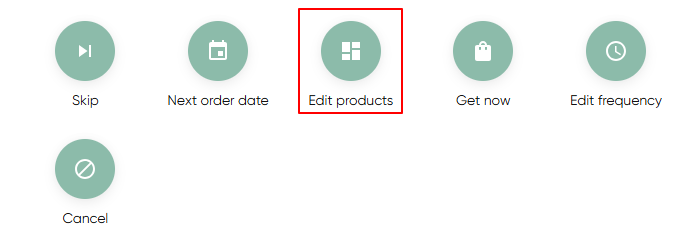 You’ll be able to see which refills are coming in your next order under ‘manage products’. You can use the 'x' beside a product to remove it from your next order. You can add additional products from the product list.
Alternatively, to swap the refills in your next refill pack, click ‘swap item’ and select whichever refill or other product you’d prefer:
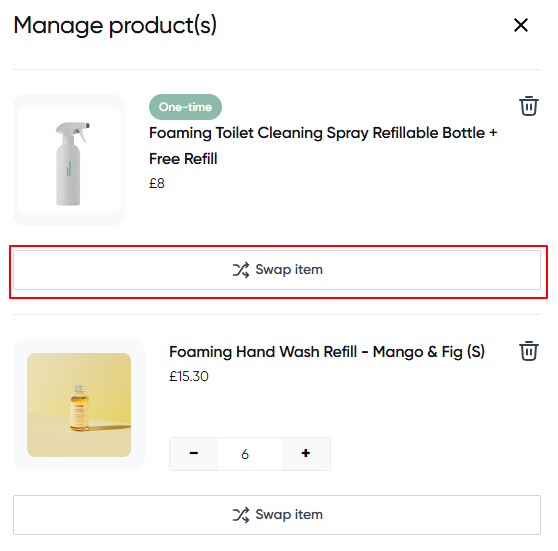 Click on 'save changes' once you have confirmed your changes.